
Premium Print Quality
Vivid colours and carefully finished products.
Start typing to find personalised products.
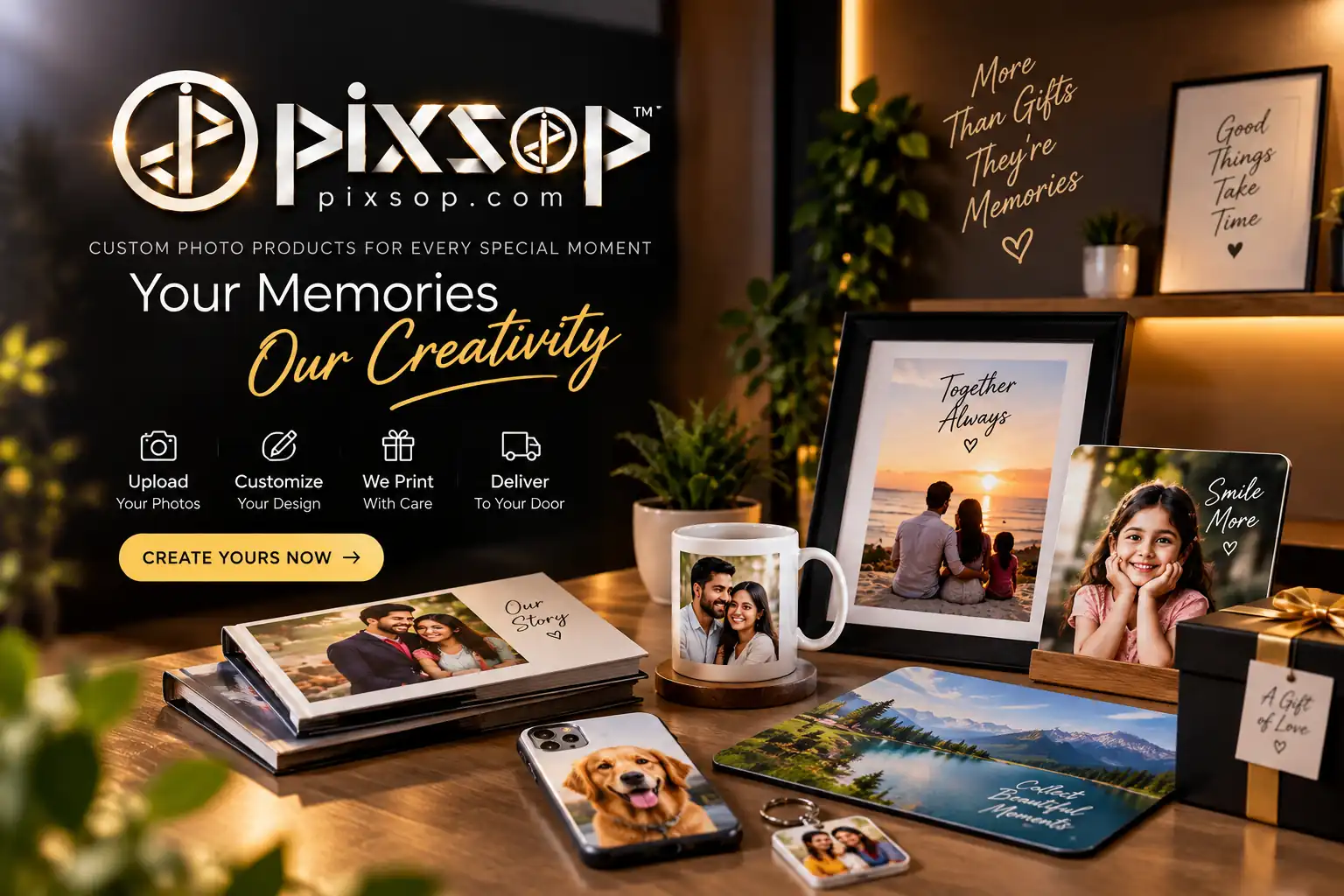


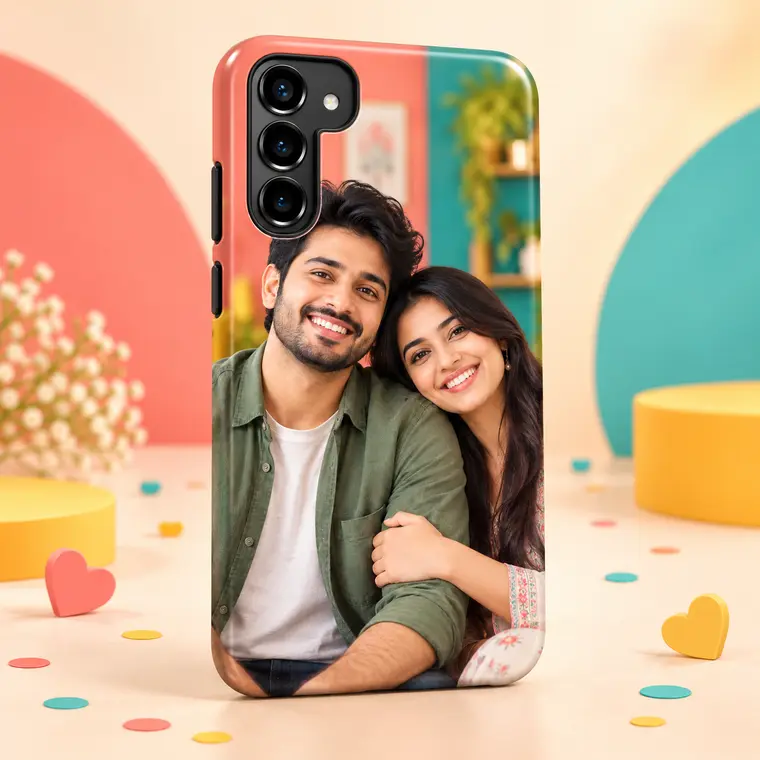
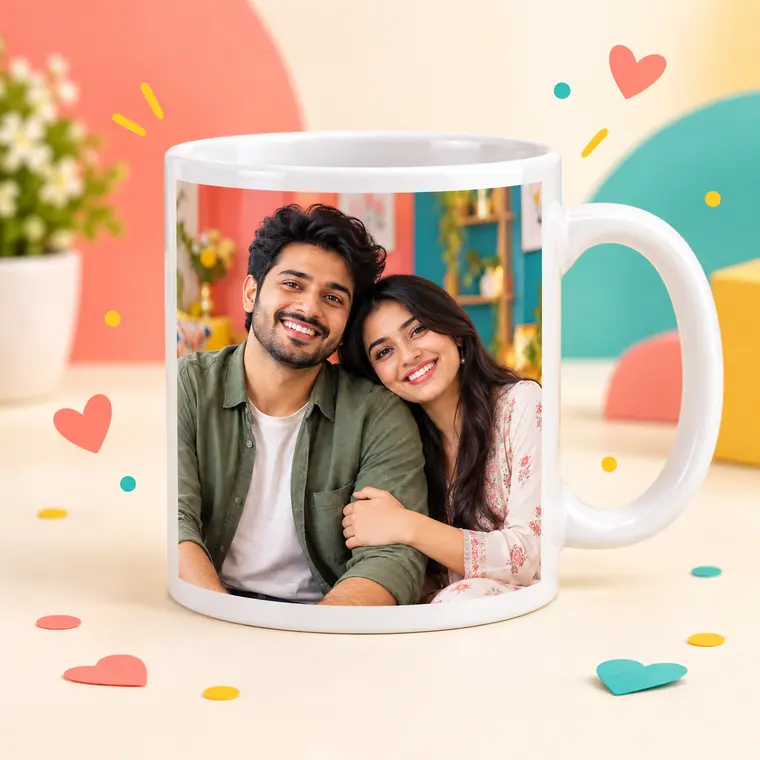
Interactive demo • No real customer image used
Create something special
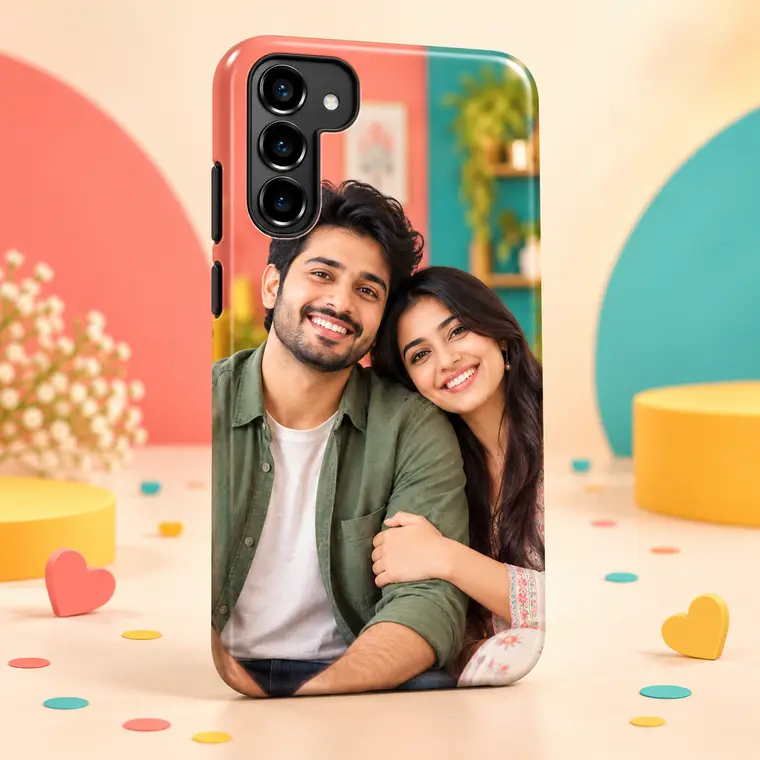
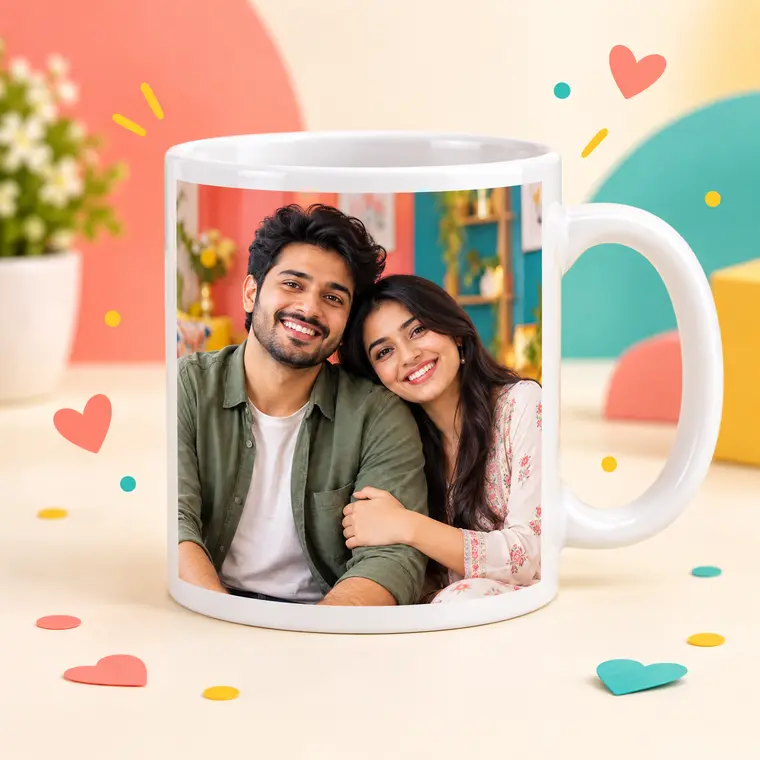
Choose a product, upload your favourite photo and make it completely yours.
Explore all products → 01
01
 02
02
 03
03
 04
04
 05
05
 06
06
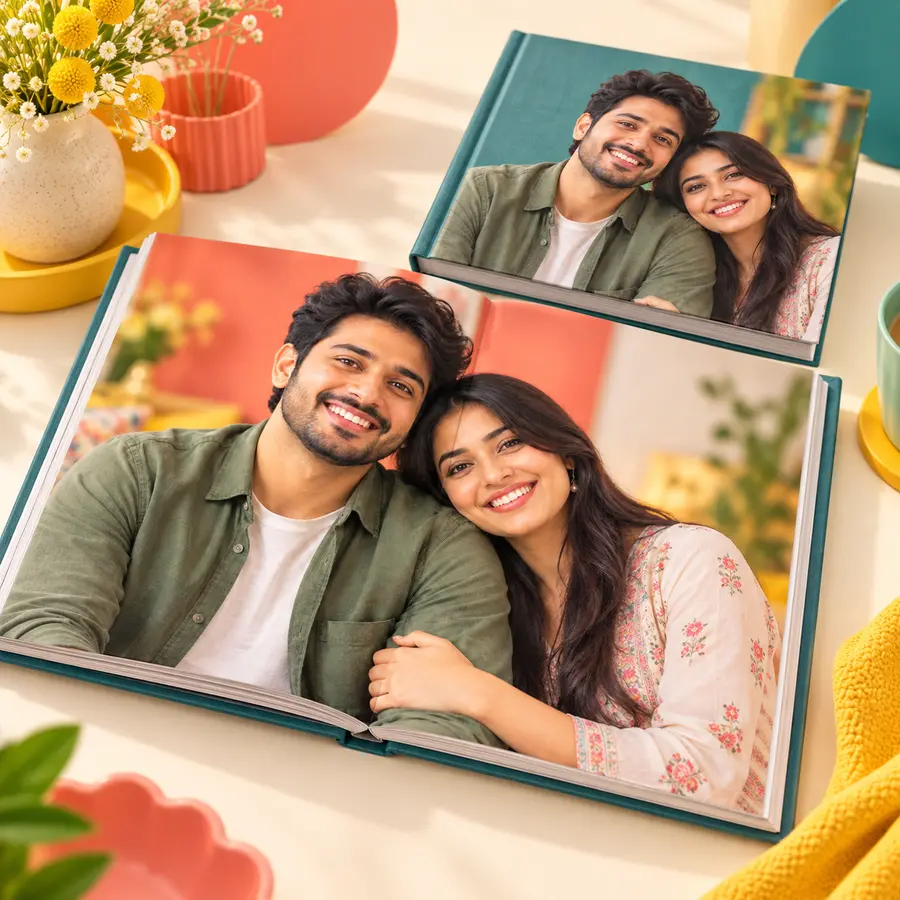
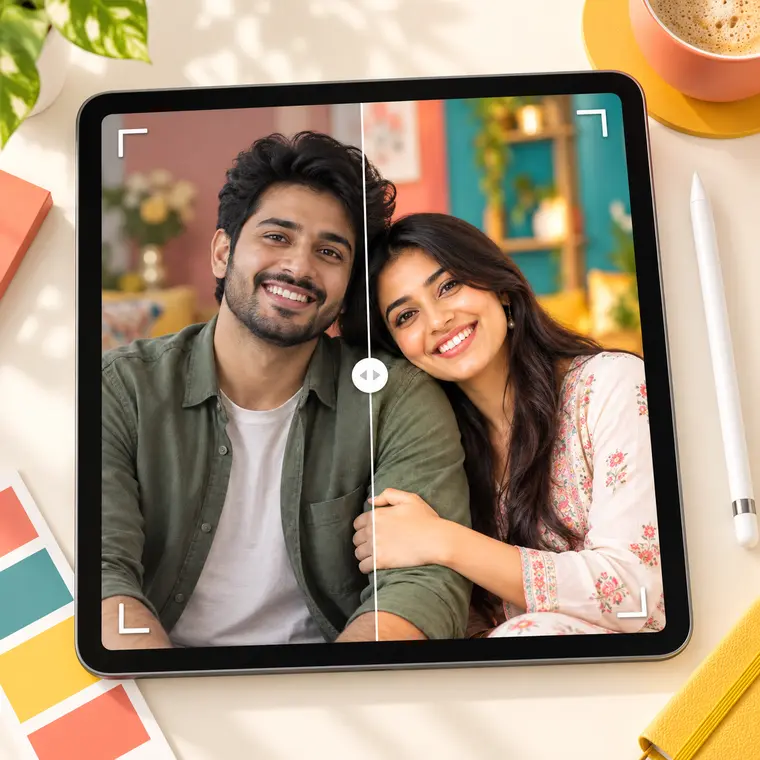
One photo. Endless possibilities. Upload once and preview your memory across different products.
Start creating →
The story behind Pixsop
Founded by Prokash Mondal, Pixsop brings 12 years of creative experience to every frame, album and personalised gift. Each design is checked with care before it moves into production.
Prokash MondalFounder, Pixsop
A gift only you can give
Why choose Pixsop
Vivid colours and carefully finished products.
Preview and approve your personal design.
Secure packaging with manual tracking updates.
Human assistance from 10:00 AM to 7:00 PM.
Professional editing service
Have photos or videos that need a professional finish? Upload them to Google Drive, share the link and our team will review your requirement.
PHOTO + VIDEO
Upload to DriveAdd your images or videos to one shared folder.
Send the linkSet access to “Anyone with the link”.
Get a WhatsApp responseWe’ll review the files and discuss the next step.